I was spending €150–200 annually on hosting for underutilized projects, plus €10–15 monthly on SaaS subscriptions like password managers and file sync services. I wasn’t paying for what I used. I was paying for the comfort of not thinking about it.
A €100 mini PC changed that.
The slow bleed of cloud costs
Every year I’d audit my subscriptions and find the same thing: half a dozen services I was paying for that were solving problems I could solve differently. A VPS running at 8% CPU utilization. A cloud storage subscription for files I access twice a month. A managed service for something I could host myself in an afternoon.
The friction to change always felt higher than the cost to continue. Until it didn’t.
The actual problem with home hosting
The primary obstacle to home hosting isn’t hardware or networking — it’s that residential ISPs assign dynamic public IPs that change unpredictably.
Every time the IP changes, every DNS record you’ve set up points to the wrong address, and your services go dark. Most developers who try home hosting abandon it at this exact point. The solution exists; they just haven’t found it yet.
More on that shortly.
The hardware
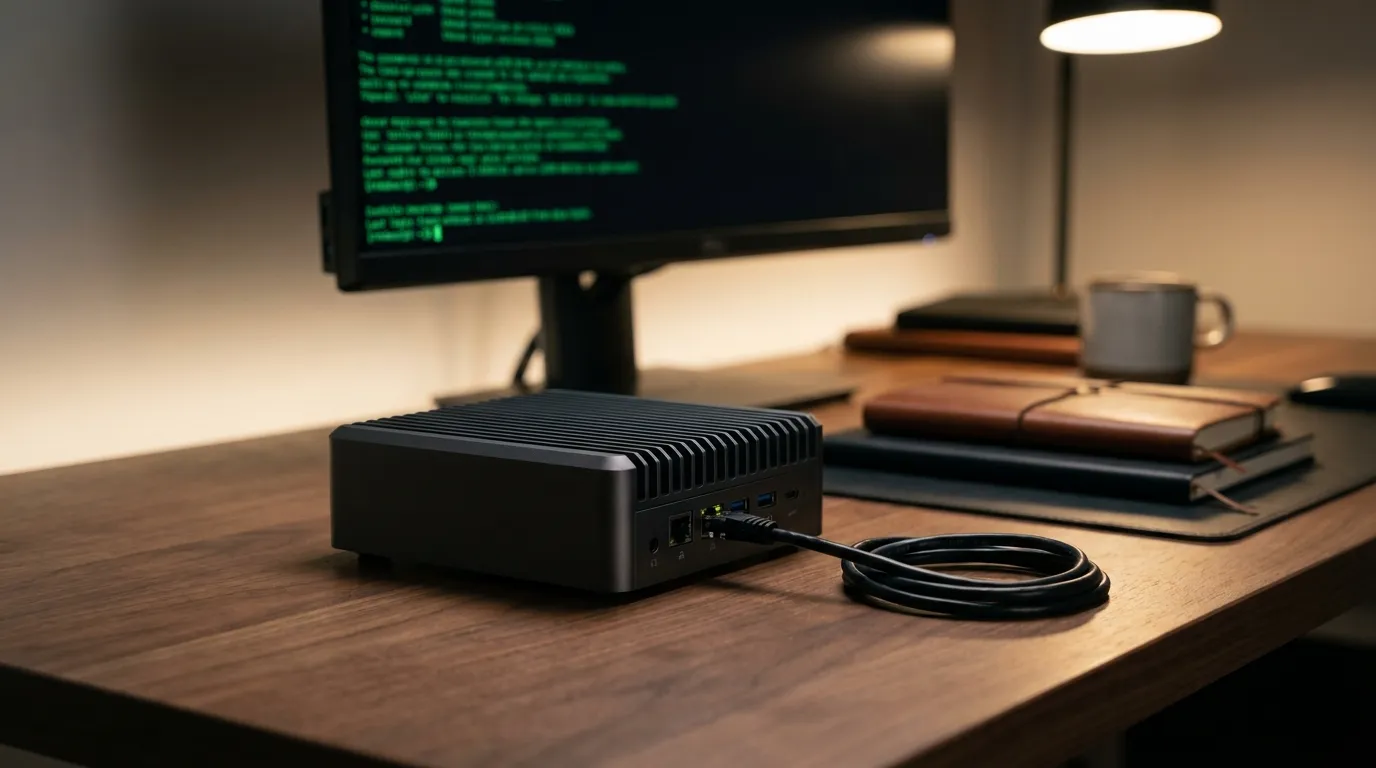
A fanless x86 mini PC (€80–120) consuming approximately 10W runs 60 Docker containers smoothly. Unlike Raspberry Pi alternatives, it offers x86 compatibility and adequate RAM without SD card failure risks.
At roughly €2–3 monthly in electricity, payback happens in under three months compared to the cheapest equivalent cloud setup.
The stack
Docker
Containerization isolates services and enables reproducibility. If something breaks, you tear down the container and bring it back up. No dependency conflicts, no state bleed between services, no “it worked on the other machine” problems.
Running 60 services on a single machine sounds ambitious until you realize most of them are idle 95% of the time. Docker makes this manageable.
Nginx Proxy Manager
This handles reverse proxying and SSL certificate management without manual Nginx configuration. You get a clean UI to manage routing rules, and it automatically issues and renews Let’s Encrypt certificates for every domain you configure.
No certificate expiry alerts. No renewal scripts. It just works.
Cloudflare
Using Cloudflare’s free DNS tier masks your home IP address while providing DDoS protection and caching. Your domain resolves to Cloudflare’s edge network, not your home connection. Attackers and scrapers have no direct path to your machine.
The API integration is what makes dynamic DNS automation possible.
Solving the dynamic IP problem with DriftDNS
This is the piece that most home hosting guides gloss over, and it’s the one that actually determines whether your setup works reliably.
DriftDNS is a self-hosted DDNS manager that runs as a Docker container alongside your other services. It monitors your public IP address and automatically updates your DNS records at Cloudflare (and AWS Route53) when the IP changes.
What makes it worth running over a shell script: visibility. You get a dashboard, logs, and status per domain. When something breaks, you can see whether it’s a DNS issue or something else. And unlike most DDNS solutions, it’s self-contained — no third-party service tracking your IP.
How the pieces fit together
Requests follow this path:
Domain → Cloudflare DNS → home IP → router → mini PC → Nginx Proxy Manager → Docker container
DriftDNS keeps the “Cloudflare DNS → home IP” step accurate automatically. Nginx Proxy Manager handles routing from the machine’s external port to the right container. Cloudflare handles caching and protection at the edge.
Each layer has a clear job. When something breaks, the failure is isolated.
The numbers
| Cost | |
|---|---|
| Mini PC (one-time) | €100 |
| Monthly electricity | €2–3 |
| Equivalent cloud setup | €30–60/month |
| Annual cloud cost | €360–720/year |
The mini PC paid for itself in the first two months.
Tools you need
Everything in this stack is free to use:
- Docker
- Nginx Proxy Manager
- Cloudflare (free tier)
- DriftDNS
Cloudflare has paid tiers with additional features, but nothing in this stack requires them.
Honest tradeoffs
Reliability: If your internet goes down, your services go down. For anything with real SLA requirements, this isn’t the right architecture. For personal projects and developer tools, planned or brief downtime is tolerable.
Bandwidth: Residential upload speeds can become a bottleneck at scale. On fiber, this rarely affects personal projects. Know your ISP’s limits before committing to anything bandwidth-intensive.
Setup time: Initial configuration requires a weekend. Ongoing maintenance is minimal — mostly pulling updated Docker images and occasionally adjusting routing rules.
Final thoughts
This setup suits personal projects and developer tools rather than production systems requiring guaranteed uptime. The tooling has matured significantly — five years ago this required significantly more manual configuration.
If you’re currently paying for a VPS that runs at single-digit CPU utilization, or a collection of SaaS subscriptions for services you could self-host, the economics of this approach are hard to argue with.
The barrier to entry is a weekend and €100. The savings compound every month afterward.